Door {door} opened · recipient code checked on the lockerCourier loaded door {door} · signed QR, offlineReturn dropped in door {door} · 14-day windowDoor {door} closed · parcel collectedRemote open door {door} · code from screen + passkeyBigger door {door} assigned · parcel didn't fit
Parcel locker software
Parcel locker software for any cabinet
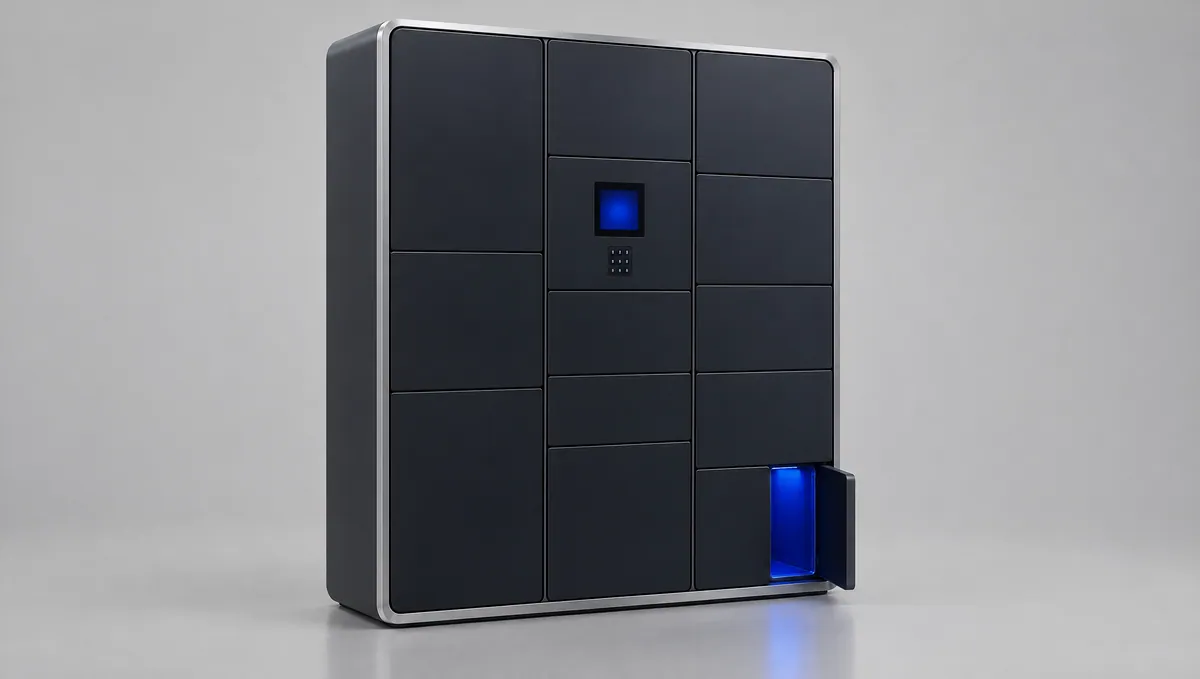
Lokkio runs on the locker PC, drives Modbus lock boards and works offline. Occupied doors open only with a human key, even if the cloud is breached.
18:42:07 · Door 14 opened · recipient code checked on the locker
Runs on
Modbus RTU
RS485
Windows
Linux
COM / TCP
OpenAPI 3
Webhooks · HMAC
WebAuthn passkeys
The problem
Where locker networks break
Most locker incidents do not start at the door. They start in the cloud, in the wiring or in the contract.
01
A breached cloud opens doors
In many systems the server creates the opening key. Whoever takes over the server or one admin account can open occupied doors across the whole network.
02
The RS485 wiring obeys anyone
Most lock boards accept any command on the bus. Remove the panel under the screen, attach a cheap adapter, and doors open without the software noticing.
03
Software tied to one maker
When the software runs only on one vendor's cabinets, every new site, price change and integration depends on that vendor.
How it works
From cabinet to network in three steps
No new hardware. Your cabinet, a config file and a one-time code.
01
Connect any cabinet
Describe the lock boards in one cabinet.json file: protocol, addresses and which door sits on which channel. Run -commission and the locker opens each door once and checks its sensor.
Register each locker with a one-time code. Parcels, couriers, partners, alerts, uptime and work orders are managed in one admin console and one API.
03
Open doors only with a human key
The locker checks every opening itself. An occupied door opens only with the recipient's code, a courier device certificate or an operator passkey.
Security model
A breached cloud cannot open an occupied door.
Security lives on the locker, not on the server. An attacker who takes the server, the database and an admin account still cannot open a door with a parcel inside.
The locker decidesThe cloud key may sign courier loads only, and a load opens empty doors only. Recipient codes are kept as HMAC hashes with a key unique to each locker.
Lock bus guardEvery 0.5 s the locker compares door sensors with its own commands. It detects forced doors, foreign RS485 traffic, an inserted relay device, a cut cable and an opened service panel.
Hash-chained evidence logEvery event is linked into a SHA-256 chain. A changed or deleted record breaks the chain, so the log holds up in disputes.
Remote open needs two factorsSupport opens a door only with the code the customer reads from the screen and the operator's passkey. Without the code it takes two different people. At most 3 remote opens per hour.
Every entry is chained to the previous one with SHA-256.
Platform
What the platform does
One program on the locker. One backend for the network.
Works offline
Pickup, drop-off, returns and courier loads run on the locker without a connection and sync when it returns.
Lock bus guard
Detects tampering with the RS485 wiring on the boards you already have, with no extra hardware.
Passkey remote open
Support opens a door with the operator's passkey and the code from the screen. The server alone cannot.
Any lock board
Modbus RTU boards work from a config file. Another protocol needs one small driver with two functions.
Open API and webhooks
REST API with scoped keys and OpenAPI docs, plus HMAC-signed webhooks with retries.
Partner network and settlements
Let other carriers use your lockers within a quota, priced per parcel or per door-day, with monthly CSV.
Returns and a bigger door
Returns with a 14-day window and a returns bin. If a parcel does not fit, the locker offers a larger door.
9 languages, accessibility mode
Kiosk in LT, LV, ET, PL, EN, DE, FR, ES and RU, with large high-contrast text, lower controls and spoken headings.
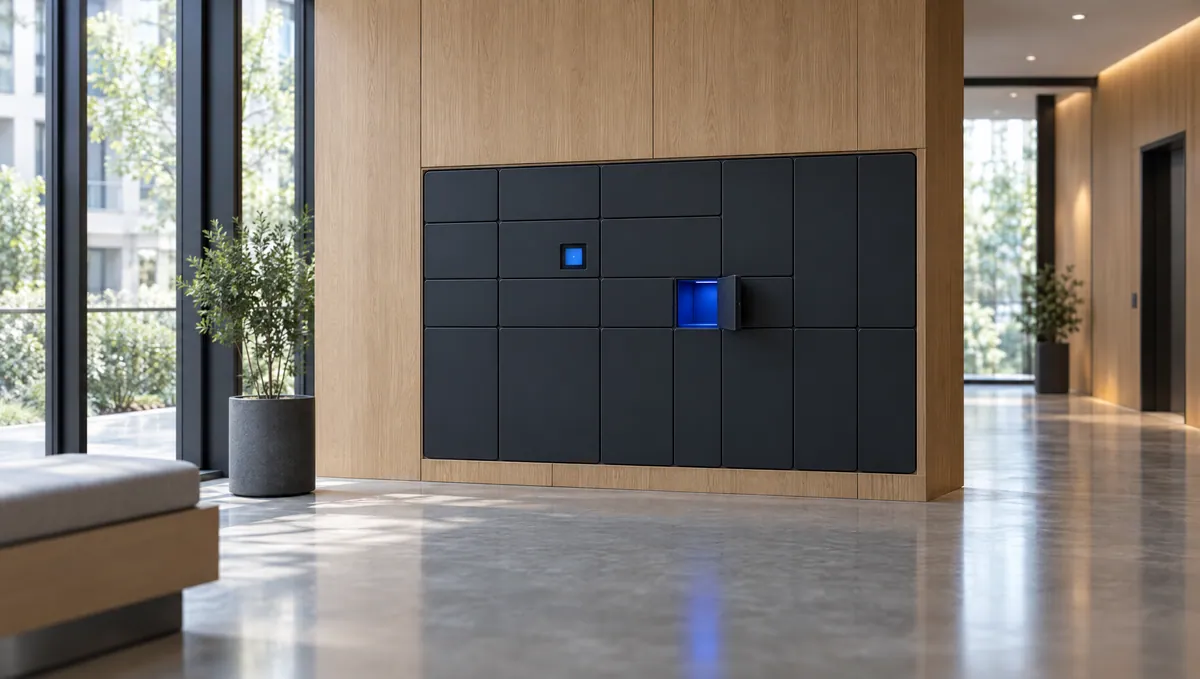
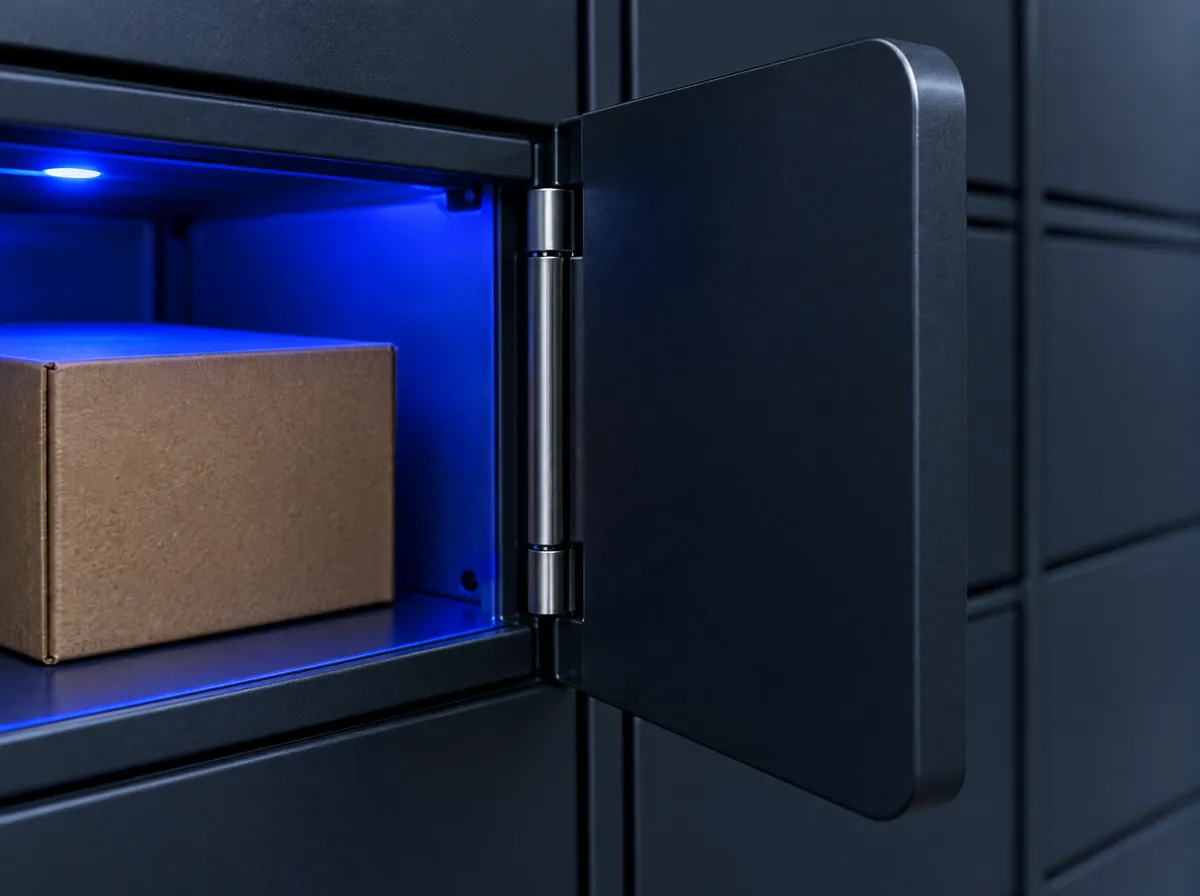
Residential and office lobbies: deliveries for residents and staff from any carrier.Every door has a sensor. The locker checks it every 0.5 s against its own commands.
Who it is for
Built for makers and operators
For locker manufacturers
Ship cabinets with software your buyers can trust, without building a software team.
Modbus RTU boards work from a config file, with no code
The demo runs the actual locker program against a simulated lock board. Pick up a parcel, send one, load as a courier, then attack the wiring and watch the guard react.
Your sandbox is yours alone and is deleted after 24 hours. No sign-up.
111111Pickup code111111
55555555Send code55555555
88888888Return code88888888
FAQ
Questions buyers ask
Will Lokkio work with our lock boards?
If your boards speak Modbus RTU, yes: you describe the cabinet in a cabinet.json file and no code is needed. Another protocol needs a driver with two functions, open a channel and read the sensors, written from your documentation and tested against our simulator. Several boards per cabinet and wireless extension modules are supported.
What happens when a locker loses its connection?
Pickups, drop-offs, returns and courier loads keep working. The locker checks codes and signed tokens itself and sends its events when the link is back. On battery lockers the modem turns on only for sync, and security events are sent straight away.
Where is our data stored, and how is GDPR handled?
The backend is a standard PostgreSQL application that runs on servers you choose, including your own. Codes are stored only as hashes. Recipient phone numbers and email addresses are deleted 30 days after the parcel closes, message logs after 90 days and camera snapshots after 30 days.
Can it connect to our existing systems?
Yes. The REST API with OpenAPI docs covers lockers, parcels, reservations, returns and webhooks. E-shops can embed a locker picker widget, and parcels can be imported from CSV or Excel. Lockers from other makers can be listed read-only from their cloud.
How long does a pilot take?
It depends mostly on your lock boards. With Modbus RTU boards we write the cabinet file, run -commission on site and the locker is ready. A custom protocol adds driver work first. We agree sites, scope and timeline with you in the first call.
Can we use our own brand?
Yes. Each operator sets its name, button and accent colours, logo, support phone and website. The cloud rejects colours with poor text contrast, and the kiosk keeps your branding when offline. Kiosk languages, texts and visible buttons can also be set per operator.
See it on a demo locker, then on yours
Try the demo in a few minutes, or talk to us about a pilot on your own cabinets.
We use only what this site needs to work. With your permission we would also count visits anonymously to improve it. You can change your choice at any time under Privacy settings at the bottom of every page. Privacy notice